Your Browser Extensions Stealing Your AI Chatbot Data, Is A Big Privacy Risk
Two AI browser extensions stealing chat data reached 900,000 users before Google stepped in. Here's what happened and how to check your own.


In this article
AI browser extensions stealing chat data is not a hypothetical problem. Two extensions with a combined 900,000 users were caught quietly copying every ChatGPT and DeepSeek conversation and sending it to a stranger’s server. If you have ever installed a sidebar tool that lets you chat with AI from any webpage, this story is about you.
Here is what happened, why it matters more than the headline suggests, and what you can actually do about it today.
What Happened
Security researchers at OX Security found two Chrome extensions behaving badly behind the scenes. Both posed as helpful AI sidebar tools.
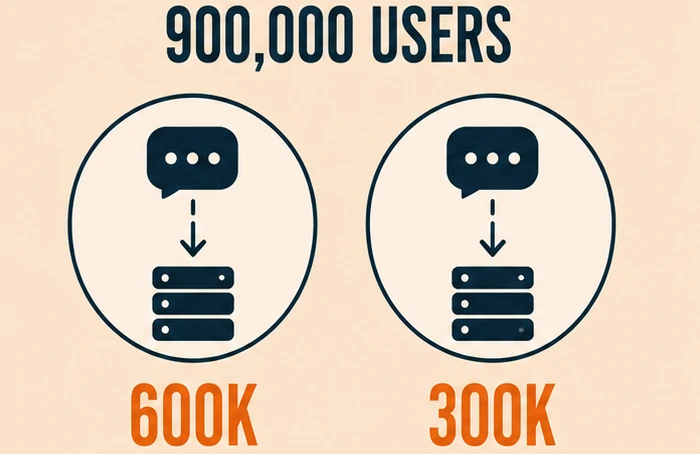
- “ChatGPT for Chrome with GPT-5, Claude Sonnet & DeepSeek AI” had over 600,000 users and even carried Google’s “Featured” badge
- “AI Sidebar with Deepseek, ChatGPT, Claude and more” had over 300,000 users
Together, they reached more than 900,000 people. Both impersonated a legitimate, well-known AI sidebar extension called AITOPIA.
Every 30 minutes, the extensions sent complete chatbot conversations and every open Chrome tab’s web address to a remote server. They asked users to consent to “anonymous, non-identifiable analytics data.” What they actually collected was neither anonymous nor limited to analytics.
The trick that let them slip past Chrome’s review process was clever. The actual data theft ran inside a remote web page loaded through an invisible frame, not inside the extension’s own code. Reviewers checking the extension itself found nothing wrong. The real behavior only showed up once the extension was already installed and running. Google has since removed both extensions.
Why This Is Bigger Than Two Bad Extensions
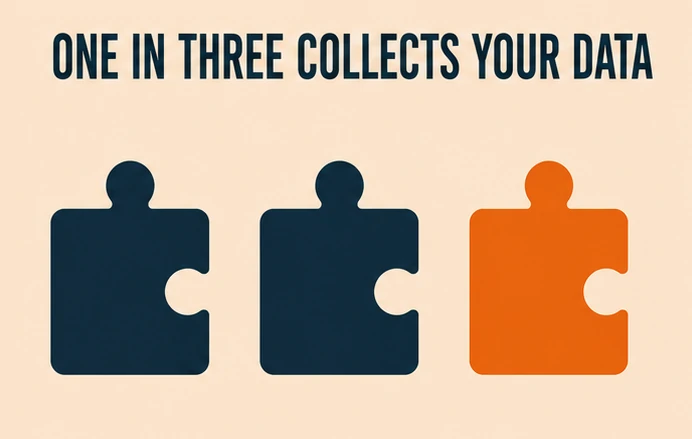
One incident sounds like a fluke. The data around it says otherwise.
A study from Incogni examined 442 AI-labeled Chrome extensions with real user bases. The results were not reassuring:
- 52% collected at least one type of user data
- 29% collected personally identifiable information specifically
That means roughly one in three “AI-powered” extensions you might install is gathering information that could identify you personally, not just tracking anonymous usage patterns.
Think about what actually flows through an AI chat window. People paste business strategies into these tools. They paste source code. They paste legal questions, medical questions, and half-finished emails they would never want a stranger reading. An extension sitting between you and that chat window sees all of it.
Why Google Just Changed the Rules
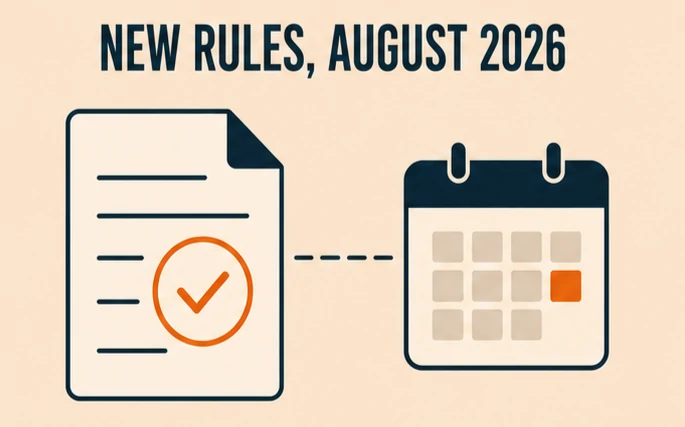
Google tightened Chrome Web Store policy on August 1, 2026, and the timing is not a coincidence.
The updated rules do two specific things:
- Extensions can now only collect data that is strictly necessary for their stated purpose, and they must clearly disclose what they collect
- A new rule specifically bans extensions built to bypass the safety guardrails that AI services put in place
Developers had until August 1 to fix their extensions or risk removal from the store. That deadline already passed. The real test is whether Google actually enforces it against extensions already sitting on millions of devices, not just new submissions.
How to Protect Your Privacy
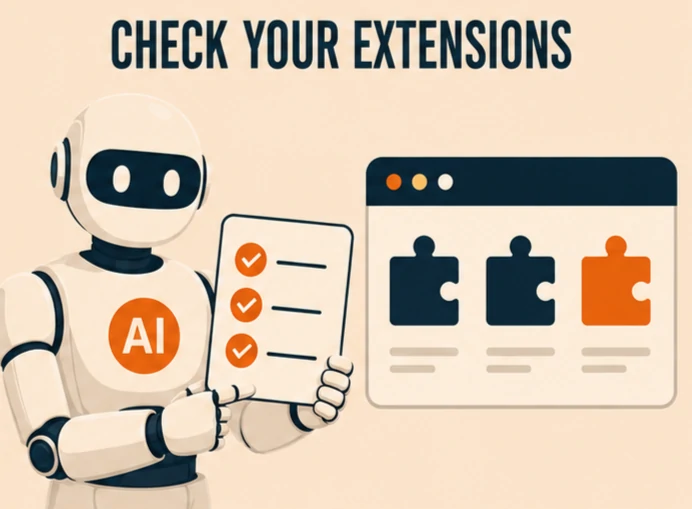
You do not need to delete every extension in your browser. You do need five minutes to check what is actually installed.
Audit what you already have:
- Open your browser’s extension manager and look at every AI-labeled tool you have installed
- Remove anything you do not remember installing or no longer use
- Check the permissions each extension asks for. An AI writing assistant reading every tab you open is a red flag
Before installing anything new:
- Read the actual permissions request, not just the star rating
- Search the extension’s name along with the word “privacy” before you install it
- Prefer extensions from developers who publish a real, specific privacy policy, not a vague one-liner
For anything you paste into an AI chat:
- Treat browser-based AI sidebars the same way you treat any tool with access to your screen
- Avoid pasting passwords, financial details, or sensitive business information into any AI tool running through a third-party extension
- Use the AI company’s own official app or website when the conversation involves anything sensitive
None of this requires giving up AI tools. It requires treating browser extensions with the same caution you would use for any app that asks for broad access to your data.
What This Means Going Forward
This is not the only AI trust story making headlines this year. Documented AI safety incidents have climbed sharply industrywide, a pattern this year’s Stanford AI Index tracked in detail. Extension-based data theft is a smaller, quieter version of the same underlying problem: powerful AI tools are spreading faster than the safeguards around them.
The Chrome Web Store crackdown is a real, meaningful step. It is also not a finished solution. Extensions already installed on hundreds of thousands of devices do not disappear the moment a policy changes. Staying alert to what you install stays the most reliable defense you actually control.
Frequently Asked Questions
What is going on with AI browser extensions stealing chat data?
Security researchers found two popular Chrome extensions, with a combined 900,000 users, secretly copying complete AI chatbot conversations and sending them to a remote server every 30 minutes. Both extensions have since been removed from the Chrome Web Store.
How do I know if my AI extension is stealing my data?
Check the extension’s requested permissions in your browser’s extension manager. Search the extension’s exact name along with the word “privacy” before trusting it further. If it asks for access far beyond what its stated purpose needs, that is a warning sign.
Did Google fix the problem of AI extensions stealing chat data?
Google tightened Chrome Web Store policy on August 1, 2026, limiting how much data extensions can collect and requiring clearer disclosure. The policy is a real improvement, but it does not automatically remove risky extensions already installed on people’s devices.
Which two extensions were caught stealing AI chat data?
The two extensions were “ChatGPT for Chrome with GPT-5, Claude Sonnet & DeepSeek AI” and “AI Sidebar with Deepseek, ChatGPT, Claude and more.” Both impersonated a legitimate AI extension and have since been removed.
Is it safe to use any AI browser extension?
Many AI browser extensions are genuinely safe, but a meaningful share are not. A study of 442 AI-labeled extensions found 52% collected user data and 29% collected personally identifiable information specifically, so caution matters more than avoidance.
What should I avoid pasting into AI chat extensions?
Avoid pasting passwords, financial account details, and sensitive business or legal information into any AI tool running through a third-party browser extension. Use the AI company’s own official app or website for anything sensitive.
How did the malicious extensions avoid detection?
The extensions ran their actual data collection through a remote web page loaded inside an invisible frame, not inside the extension’s own reviewed code. That let them pass Chrome’s review process while the real data theft happened somewhere Google could not easily see.
Are AI browser extensions worse for privacy than other extensions?
AI extensions often need broader access than a typical extension, since they need to read page content to work. That legitimate need is also what makes them a bigger target for extensions built specifically to abuse that access.
Every number, date and quote in this article links to its source. Spotted a mistake? Tell us and we will correct it with a dated note. Read our editorial policy.