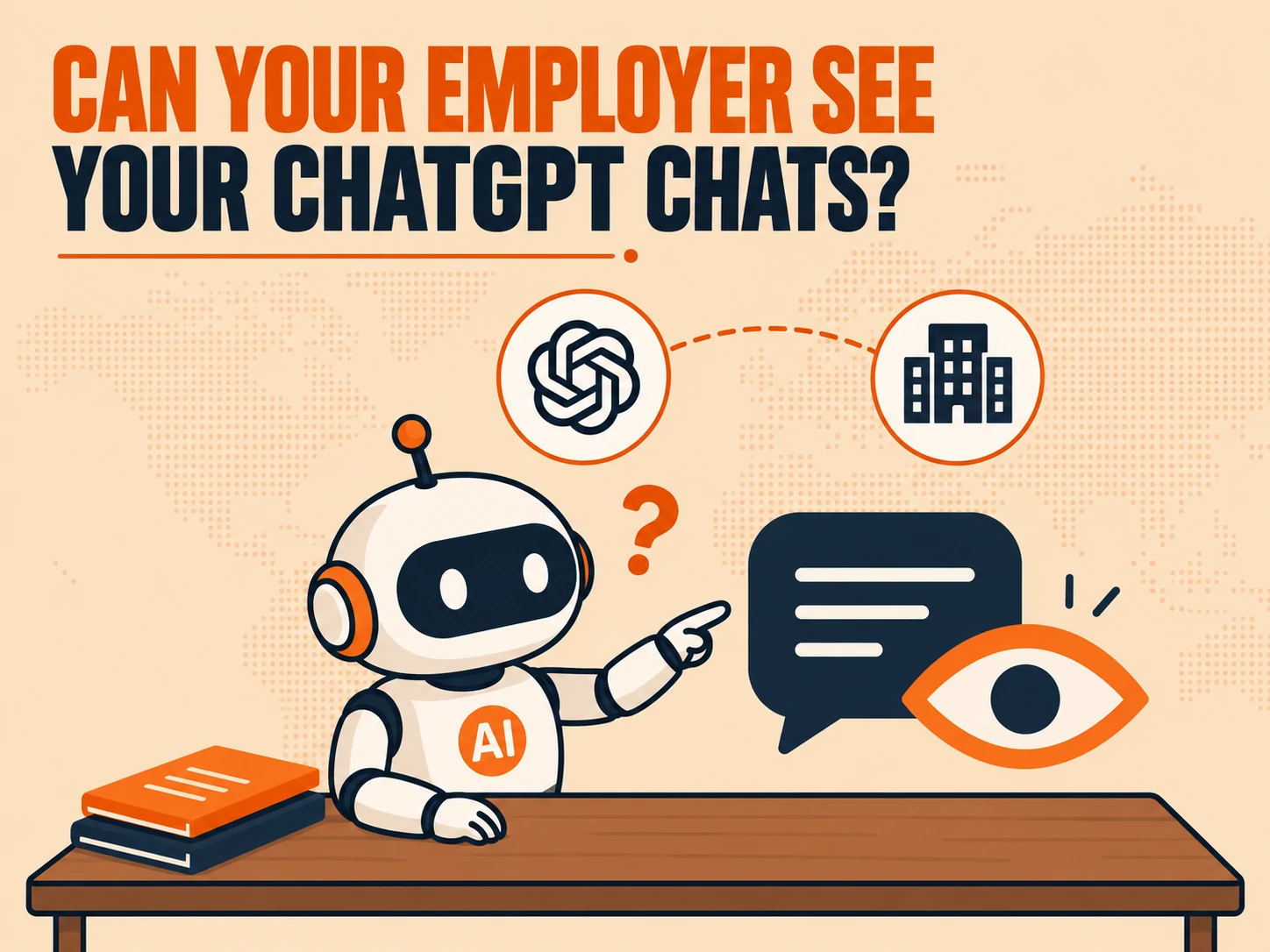
Inmost cases, no, your employer cannot see your ChatGPT conversations. The one major exception is ChatGPT Enterprise, where workspace admins can access conversation content through an audit log. A standard ChatGPT Team plan gives admins no chat visibility at all, and on a personal account and device, there’s no connection to your employer whatsoever. The other real risk isn’t ChatGPT itself, it’s a company-issued laptop running its own separate monitoring software that captures what you type regardless of which account you’re using.
There Are Five Different Situations, Not One Answer
The full picture depends on which of five situations applies to you: a personal device, a work device, a ChatGPT Team plan, a ChatGPT Enterprise plan, or OpenAI’s own limited review process. Each one has a specific, different answer.
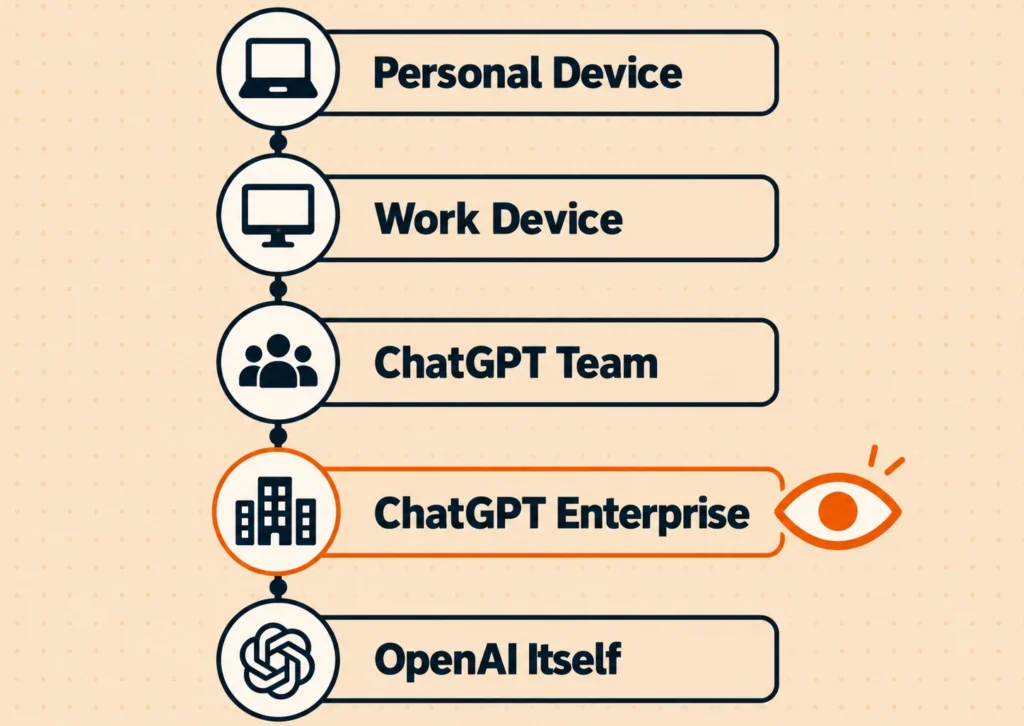
Does My Employer See ChatGPT on My Own Phone?
No. On your own phone or laptop, using your own cellular data or home Wi-Fi, with no company software installed, your employer has no realistic visibility into what you type, what ChatGPT answers, or that the conversation happened at all.
Does My Employer See ChatGPT on a Work Laptop?
OpenAI still can’t see your personal account through your employer, there’s no connection between the two. But a company-issued laptop often runs endpoint security software, browser monitoring, web filtering, or data-loss-prevention agents, and those can capture what you type or paste into a browser window regardless of which account you’re signed into. Your employer may not see your conversation through OpenAI’s systems, but they may still see that you visited the site, when, and in some environments, what you typed.
ChatGPT Team: Admins Genuinely Cannot See Your Chats
One admin confirmed it directly in OpenAI’s own community forum: “As an admin for team chats I am unable to see any chats or history.” Team admins control workspace settings and seat management, not individual conversation content.
ChatGPT Enterprise: Admins Can, Through an Audit Log
Enterprise works differently from Team. Workspace admins on Enterprise plans can access conversation data through an audit log via the Enterprise Compliance API, and that API has been reported to include actual message content, not just metadata like timestamps. If your company uses Enterprise rather than Team, the Team-level privacy answer above doesn’t carry over.
What OpenAI Itself Can See, Regardless of Plan
OpenAI’s own documentation states plainly that within an organization, only end users can view their conversations, and that workspace admins control workspace settings rather than conversation content. OpenAI’s own staff only review conversations that get flagged by its systems for abuse or legal compliance, they aren’t routinely reading through anyone’s chat history.
Real Cases Where ChatGPT Conversations Leaked Anyway
Visibility isn’t only about who can deliberately look, it’s also about what the tool itself exposes by accident. These are two genuinely different kinds of incidents worth separating out.
Employees Pasting Company Secrets Into ChatGPT
Mozilla Foundation’s own reporting cites real examples of Amazon and Samsung employees leaking company secrets by pasting sensitive internal information directly into ChatGPT. Nobody at either company was monitoring ChatGPT itself, the information left the building because an employee typed it in.
When ChatGPT Exposed the Wrong Person’s Information
In a separate case documented in the same reporting, ChatGPT revealed a journalist’s email address to an unrelated PhD candidate at Indiana University Bloomington. This wasn’t an employer visibility issue at all, it was the model itself surfacing information it shouldn’t have to someone who never should have received it.
A Few Practical Notes
- If you’re unsure whether your company uses Team or Enterprise, ask whoever manages your workspace directly, it changes the actual answer here.
- Avoid pasting anything genuinely sensitive into ChatGPT on a work device, regardless of plan tier, since endpoint monitoring software operates independently of anything OpenAI controls.
- The training and history settings covered in our ChatGPT privacy walkthrough are a separate question from employer visibility entirely, one controls whether OpenAI trains on your data, this one controls who at your company can see it.
Frequently Asked Questions
Can my employer see my ChatGPT history?
In most cases, no. A ChatGPT Team admin cannot see individual chats, and a personal account on a personal device has no employer visibility at all. A ChatGPT Enterprise admin can see conversation content, through an audit log, which is the one major exception.
Can my company tell when I use ChatGPT?
On a work-issued device, yes, potentially, through endpoint monitoring or web filtering software that can log site visits and in some cases captured text, independent of which ChatGPT account you’re signed into.
Does ChatGPT monitor or spy on users?
No, not routinely. OpenAI states that conversations are only reviewed when flagged by its systems for abuse or legal compliance.
What’s the difference between ChatGPT Team and Enterprise for privacy?
Team admins cannot view individual employee conversations. Enterprise admins can, through an audit log accessible via the Enterprise Compliance API, which has been reported to include actual message content.
Is it safe to use ChatGPT on a work laptop?
It depends more on your company’s device monitoring software than on ChatGPT itself. Avoid entering sensitive information on a work device regardless of which account or plan is involved.
Has anyone actually leaked company information through ChatGPT?
Yes. Reported cases include Amazon and Samsung employees leaking company secrets by pasting sensitive data into ChatGPT, and an incident where ChatGPT exposed a journalist’s email address to an unrelated user.